
Just this one,
now.
Pick one of today’s three, focus for 25 minutes, and keep what you finish.
macOS 14 or later · Apple silicon and Intel · Macs without a notch too
As small as the notch
Closed, it’s
the size of your notch.
ember measures your notch and draws only inside it, leaving the camera clear. Just the time left and three short bars. Click to open.

Six things it does.
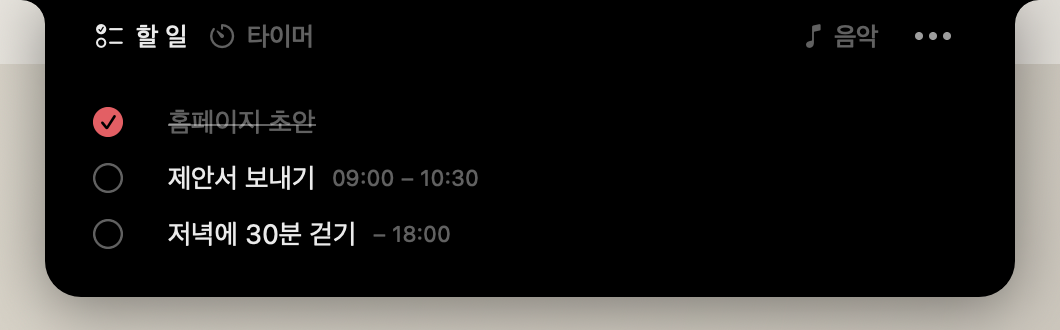
Today’s three
Write today’s three in your notch and click the circle when one is done. A new day starts at 4 a.m.
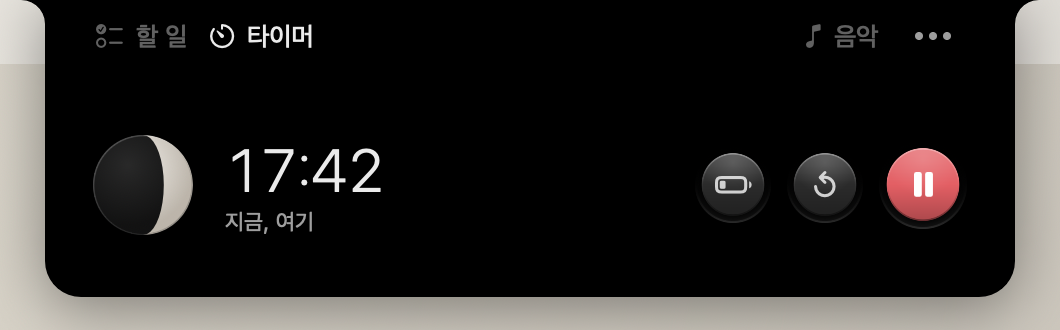
A moon that fills
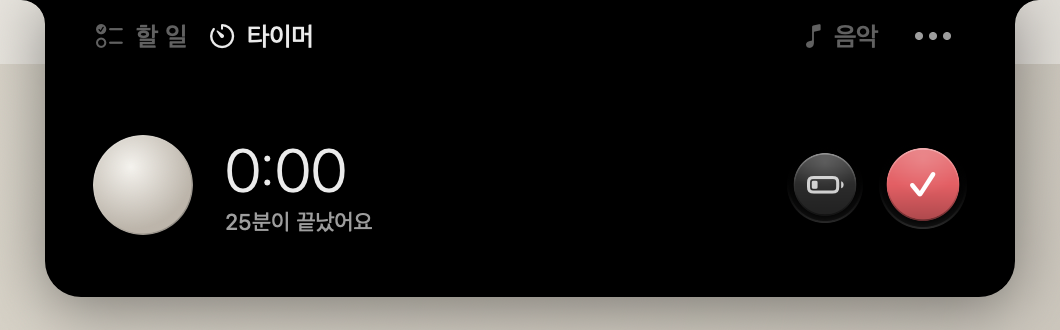
The moon fills as you focus. When it’s full, choose Done or Rest. Focus is 25 minutes and a break is 5 by default; change both in Settings.
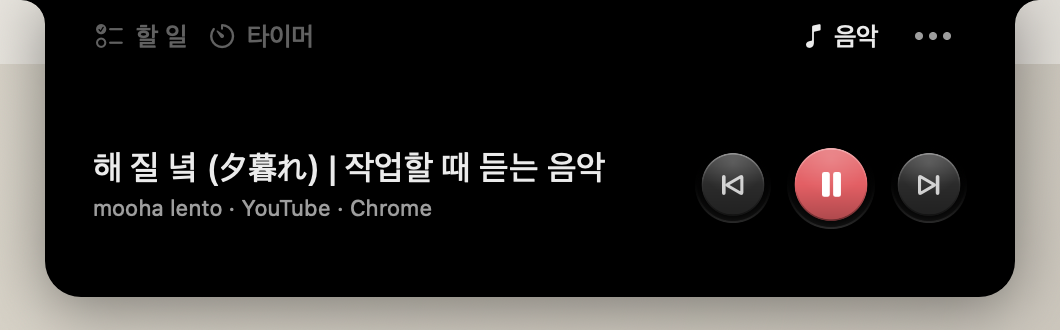
What’s playing
Pause and skip YouTube and YouTube Music in Chrome or Safari, Spotify, or the Music app, right from your notch.
Next up, in one line
Hover over the closed notch and your first unfinished line drops down.
A record of each day
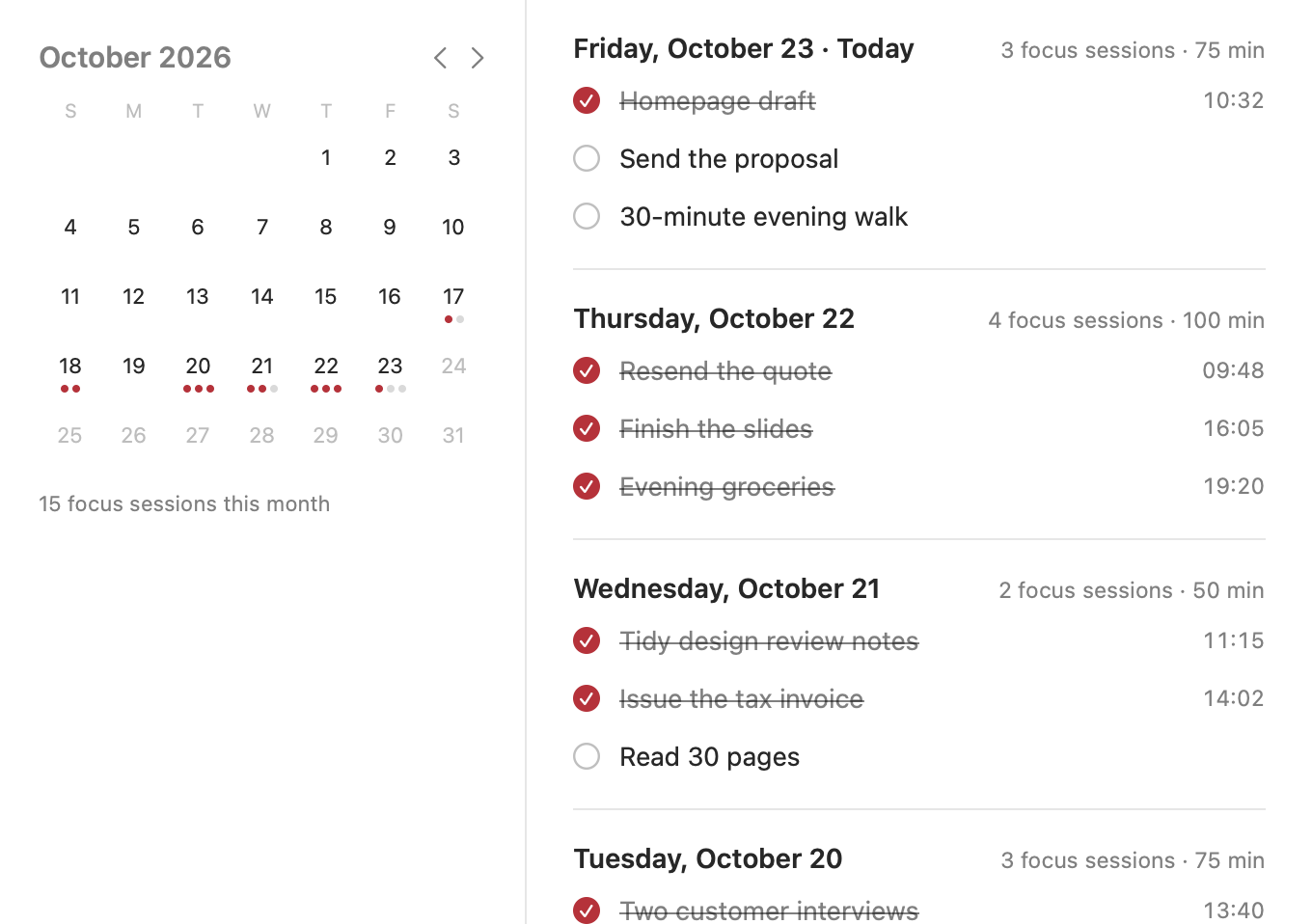
Only focus you mark Done is kept. See each day’s three, when you finished them, and how long you focused, in the History window.
Macs without a notch
On an iMac or an external display, ember draws a small notch as tall as the menu bar.


History
Only what you finish
stays.
Pick a day on the calendar to see the three you finished, when you finished them, and how many times and minutes you focused. Your history stays on this Mac.
What it doesn’t do.
If focus doesn’t need it, it isn’t here.
- Streaks · flames
- File shelf
- Notification center
- Stats dashboard
- Accounts · servers
- Subscriptions · payments
- Analytics · tracking
- Ads
- Reading other tabs
Your records
stay on this Mac.
No accounts, no servers. Your focus records and today’s three are stored only on this Mac. Only after you click Connect does ember read YouTube tabs, and only their title and playback position. It never reads other tabs.
FAQ
Is it free?
Yes. No payments, no subscriptions.
How do I connect YouTube?
In Chrome, turn on View › Developer › Allow JavaScript from Apple Events. In Safari, turn on “Show features for web developers” in Settings › Advanced, then “Allow JavaScript from Apple Events” in Settings › Developer. Press Connect in the music tab and ember walks you through it.
What about other browsers?
Chrome and Safari for now. Firefox doesn’t let other apps read its tabs.
Does it connect to THREE?
Not yet. In 1.0 you write your three in the notch, and they stay on this Mac.
Why not the App Store?
App Store apps can’t read other apps, like your browser. So ember is notarized by Apple and downloads from this site. When there’s a new version, it asks first.
Something not working, or a question? Write to hello@mooha.co.kr.